

Traveler III
The new forum software and format is awesome, and looks great! However, some people are not fans of reading white letters on a dark background. I understand that it fits with the overall look of the Overland Bound theme, but if it bugs you, it can be changed.
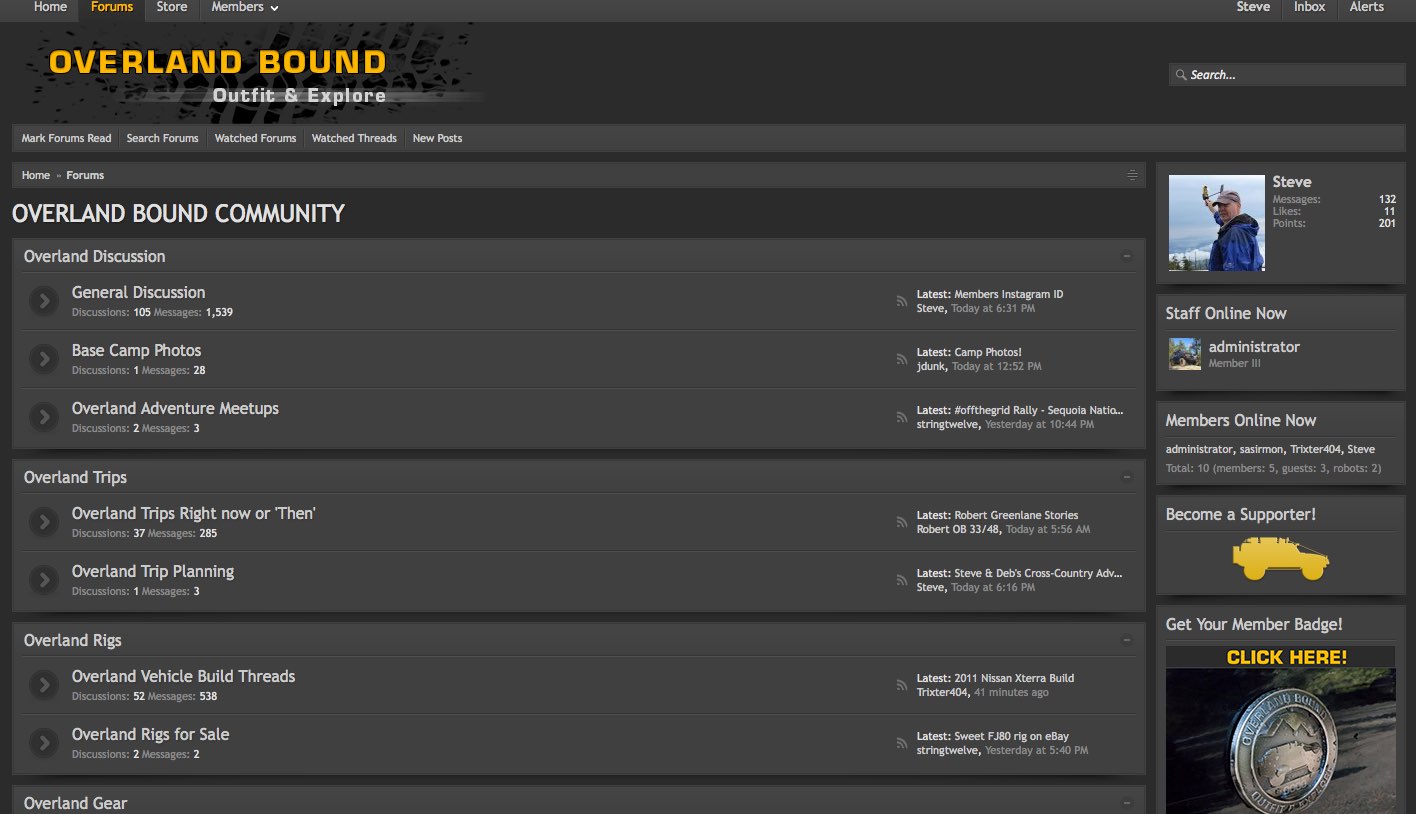
Current "Dark Responsive" Style
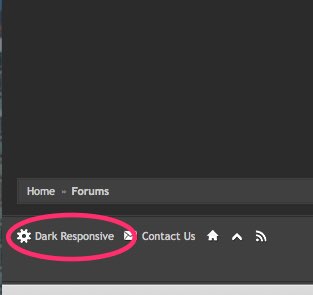
Click the style name in the bottom left corner of the forum.
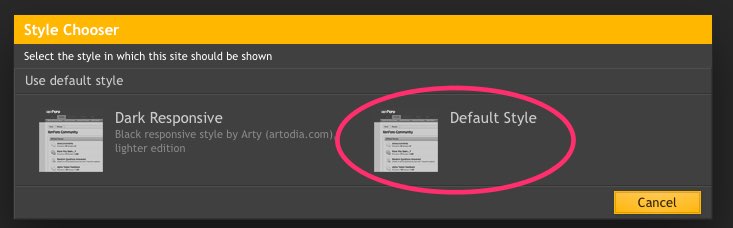
Click on "Default Style"
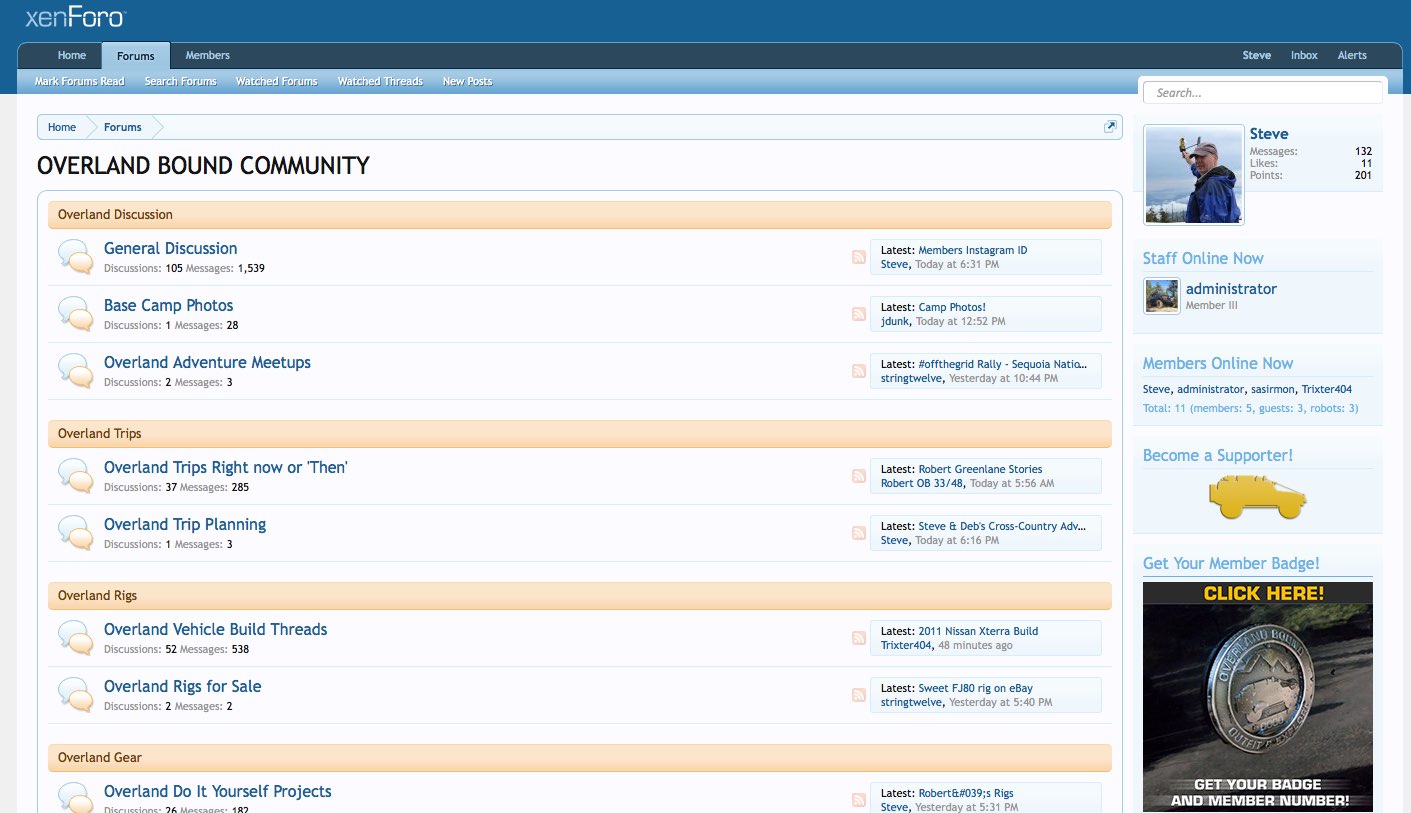
And here's the Default Style
Don't like it? Then change it back the same way, except clicking on "Dark Responsive"
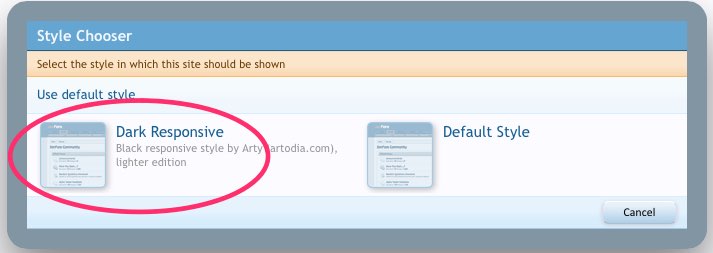
For what it's worth, I'm using Dark Responsive, but you do have a choice. I hope that helps.
Steve
Current "Dark Responsive" Style
Click the style name in the bottom left corner of the forum.
Click on "Default Style"
And here's the Default Style
Don't like it? Then change it back the same way, except clicking on "Dark Responsive"
For what it's worth, I'm using Dark Responsive, but you do have a choice. I hope that helps.
Steve

